

In this Module, I am going to show you how to Create and Understand Embroidery Push and Pull Compensation. This is a tough subject to grasp but once you do it all makes sense. I am going to show you, step by step, how to create it and explain what I am doing each step of the way.
 To watch the videos in full-screen mode, click on the “Enter Full Screen” icon on the right bottom corner of the video.

Video: Introduction To Understanding Pull Compensation
In this video, I show you a powerpoint presentation and I explain to you about Embroidery Pull Compensation. It is very important to learn as much as you can about Embroidery push and pull. Every design that you create needs to have pull compensation added. The amount will depend on the type of fabric you are using.
Video: The Basics Of Creating Embroidery Pull Compensation
In this video, I go into the software and show you the basics of creating embroidery pull compensation and how to allow for both the push and the pull that happens when you are sewing your designs out onto your fabrics.
Video: Embroidery Pull Comp-Part 2
In this video, I show you how to create perfect squares that do not turn out like rectangles when you sew them out. The same principal works for creating perfect circles. This is not hard to do once you understand this total concept of Embroidery Push and Pull Compensation.
Video: Embroidery Pull Comp For Terry Cloth
In this video, I show you how to create Embroidery Pull Comp for Terry Cloth. It is very important to add the right pull comp when creating Monograms on Towels or Terry Robes. If you do not, they look too thin or unsightly. There is more than one weight of Terry Cloth and each one will require its own pull comp.
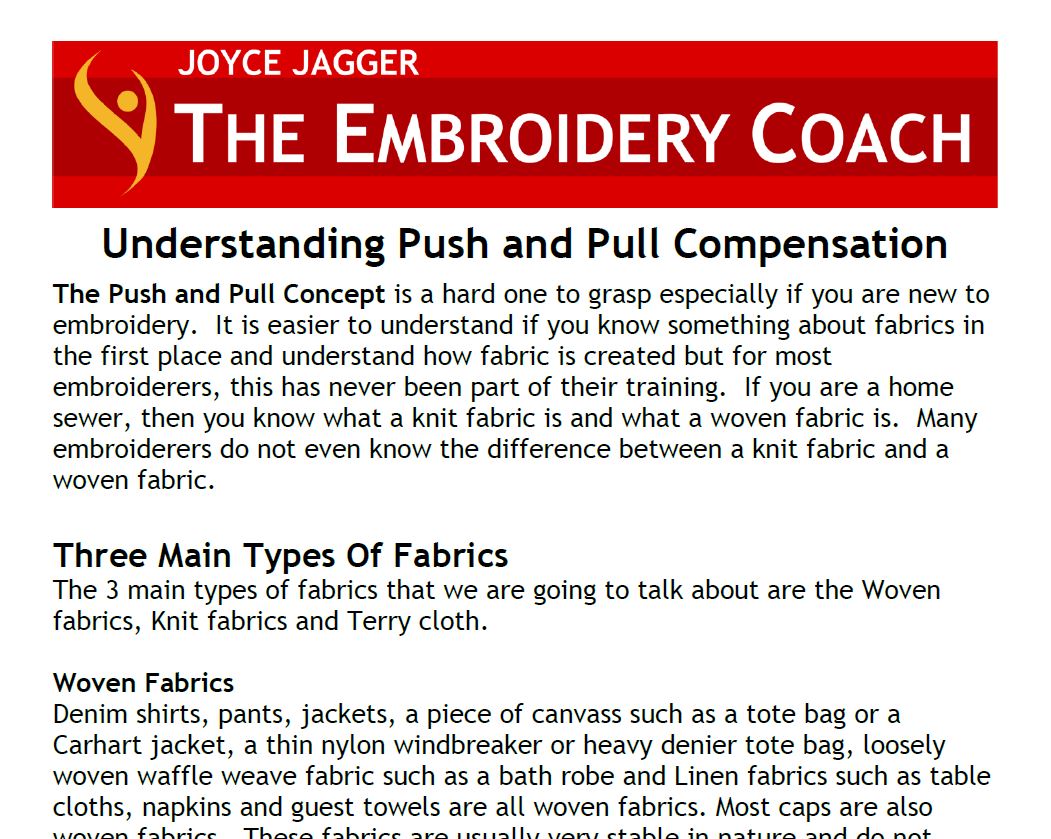
Article: Understanding Push And Pull Compensation
This article will give you a greater understanding of Push and Pull Compensation and the difference between knit and woven fabrics. You will want to download this PDF and keep it in your binder for easy reference. I have also included a zip file of designs for you to sew out to see how the embroidery should look. Download the file, upzip it and select the files that are applicable to your software. If you are not using Pulse software, you will select the .DST files, load them into your machine and sew them out.
Link to Article: Pull Compensation